Booting up OZ 4.x using a Flash Card
Booting up OZ 4.x using a Flash Card
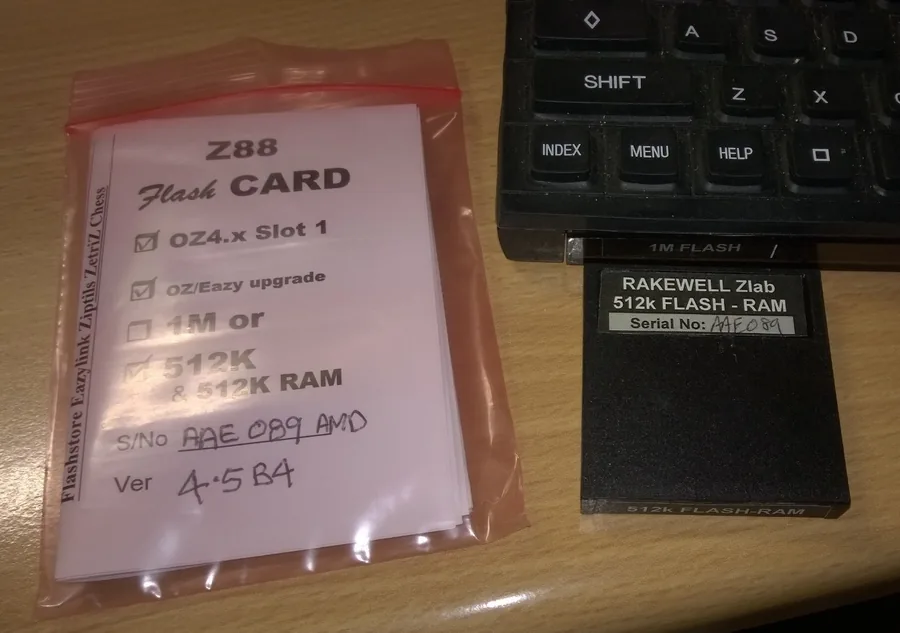
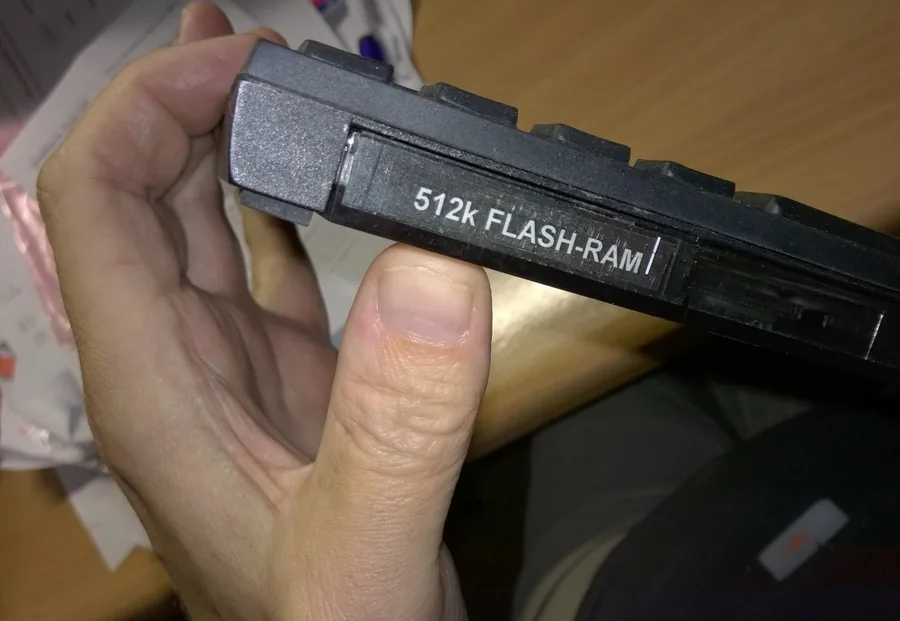
Here is a picture of the 512K/512K Flash/RAM card out of the packaging.
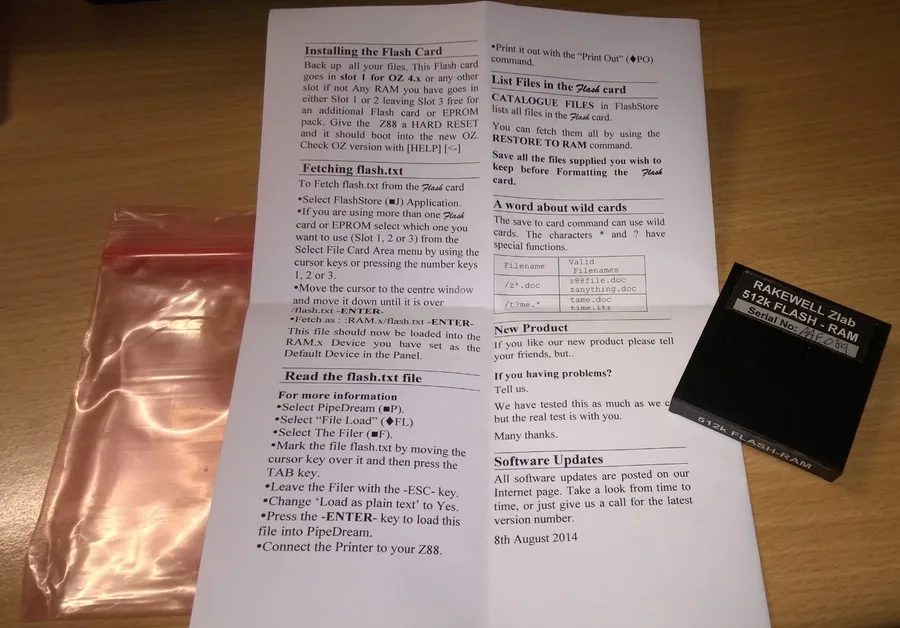
There are even instructions with it. Does anybody read these?
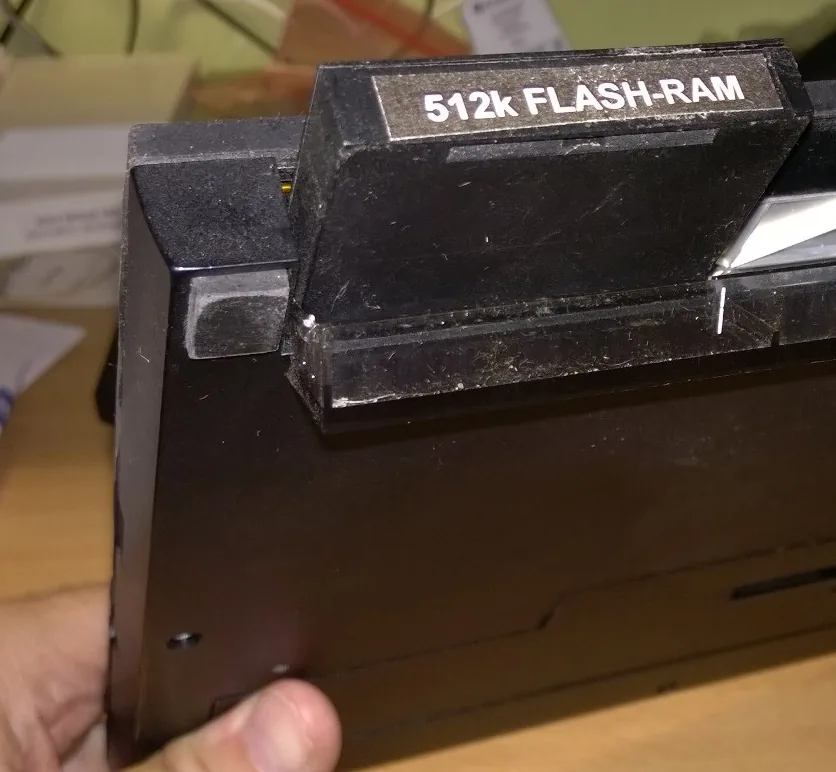
1. Open the Card Flap and push the card into Slot 1.
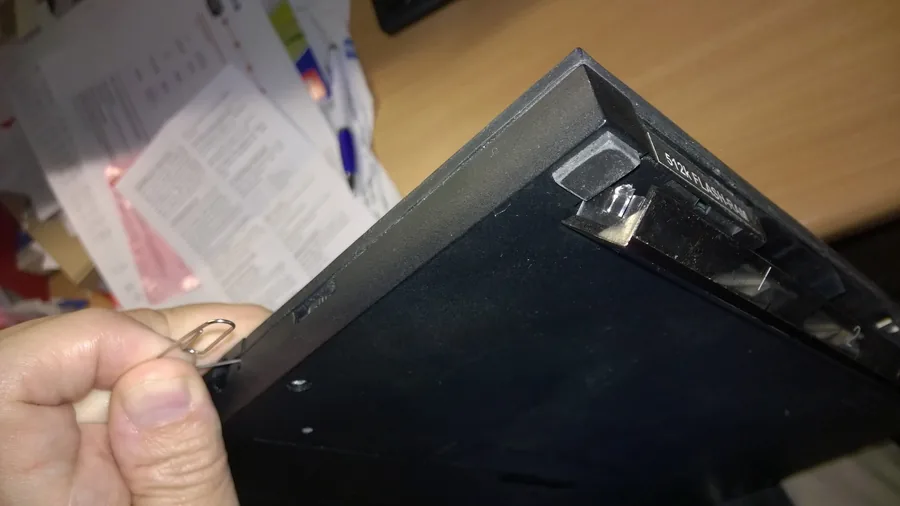
2. Leaving the Card Flap open (or open it again), press the reset switch a couple of times with an opened paperclip.
3. Shut the Card Flap

You should see the HARD RESET … come up on the screen, if not
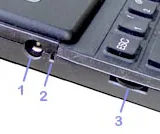 | 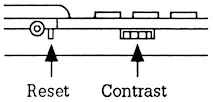 |
try moving the contrast knob one way and then the other
if that fails - go back to 2 and try again.
If it works you should see the INDEX screen.
Note that UK is displayed underneath the OZ symbol top right-hand corner of the screen.

Last updated on