The display language
Klive’s menus, dialogs, panels and messages are available in several languages, and you can switch between them at any time. Meet the IDE shows the same setting in a first tour. The languages are:
| Language | In itself |
|---|---|
| English | English |
| Spanish | Español |
| Portuguese (Brazil) | Português (Brasil) |
| Portuguese (Portugal) | Português (Portugal) |
| German | Deutsch |
| Hungarian | Magyar |
Change the language
Open the Settings
Klive › Settings… on macOS (Cmd+,), File › Settings… on Windows and
Linux. The settings language command opens the right page directly.
Choose the Language page
It is second in the page list, after General.
Pick a language
Choose one in Display language. System default follows your operating system’s language, and uses English if Klive does not have it.
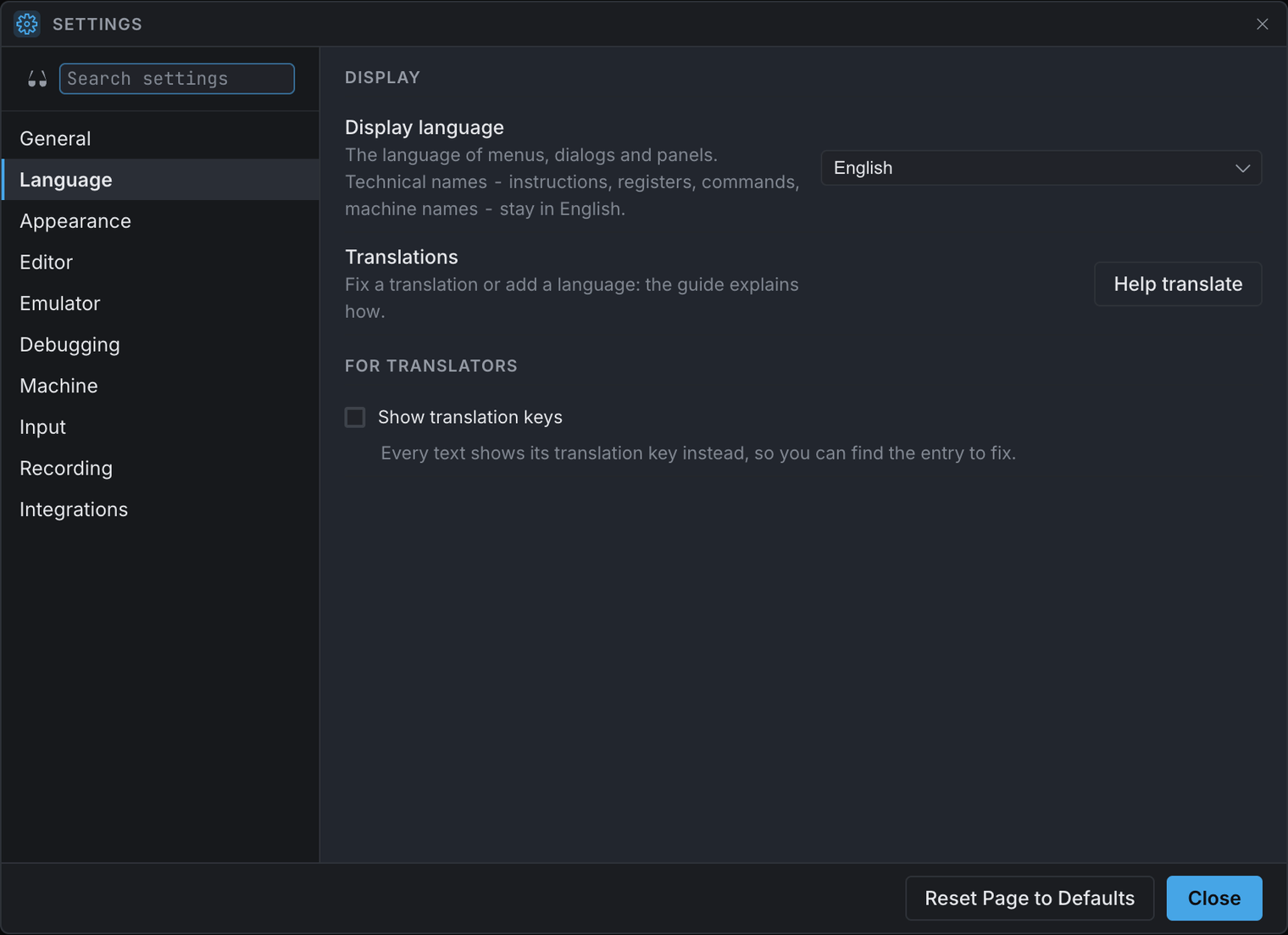
The change applies at once, in both the IDE and the emulator.
What stays in English
Some things are the same in every language, because people type them, search for them, or see them printed on the machine:
- product and machine names (ZX Spectrum Next, Cambridge Z88), and hardware names such as Copper, NextReg and ULA;
- Z80 instructions and registers, and BASIC keywords;
- the IDE’s commands (
run,bp-set), file extensions and keyboard shortcuts; - the names of the build functions in a project’s
build.ksx(the Build menu shows them as they are).
Something reads wrong in your language? Translate Klive explains how to fix it.