Timex and Scorpion
Klive has two families of Spectrum-compatible machines beyond Sinclair’s and Amstrad’s: the Timex TC2048, TC2068 and TS2068, and the Russian Scorpion ZS-256. Both run ZX Spectrum software and add hardware of their own. This page covers setting them up and the tasks that differ from the Spectrum; Machine types has the hardware details.
These machines are experimental: they run and debug programs, but they have had less testing than the Spectrum models.
First: name the ROM
Klive cannot ship the Timex or the Scorpion ROMs, so name your own copy once.
Switch to the machine
Choose the model with Machine › Machine Type › Select machine…. The Timex models are Timex Computer 2048, Timex Computer 2068 and Timex Sinclair 2068; the Scorpion is Scorpion ZS-256.
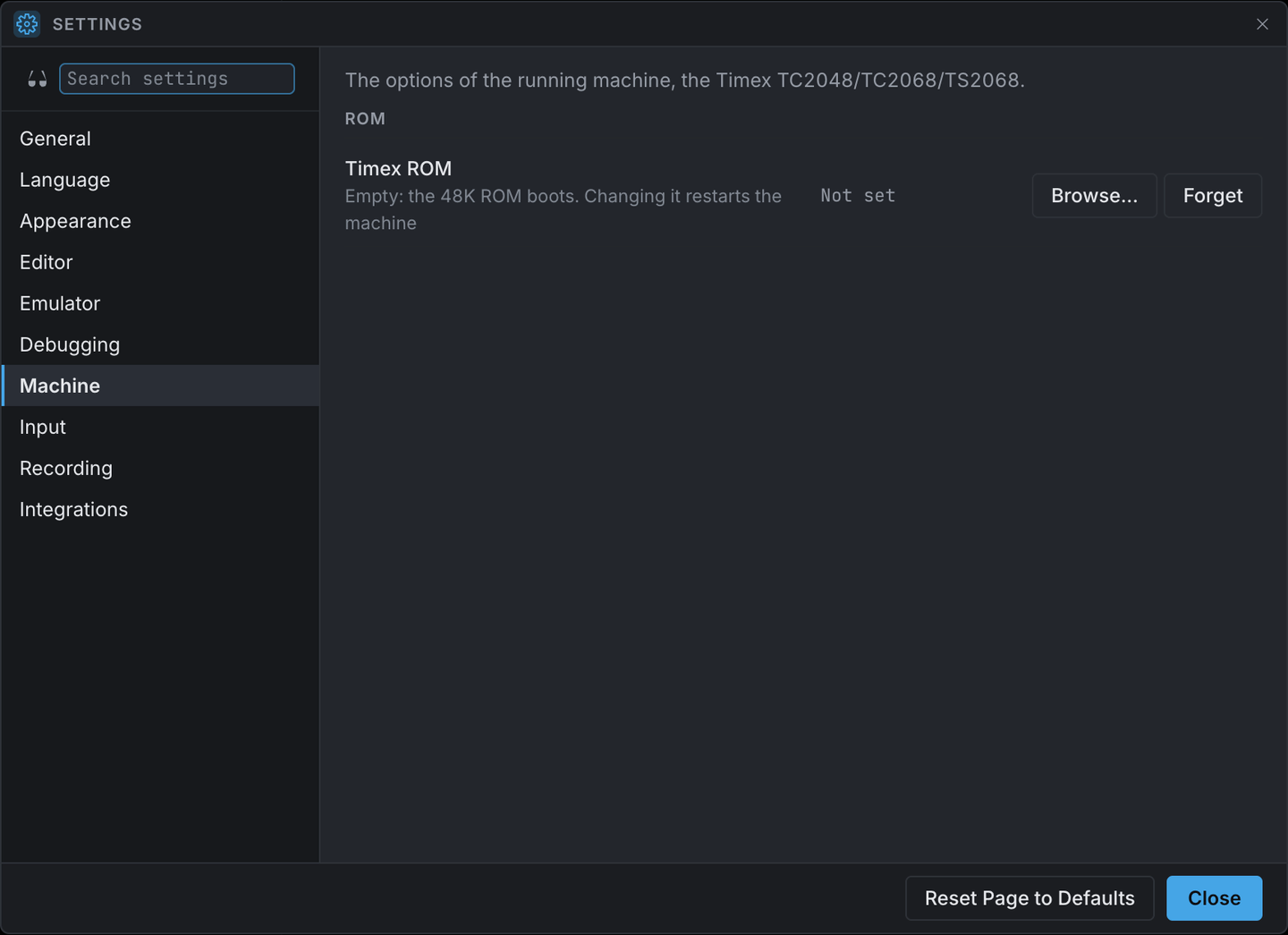
Open Settings › Machine
The ROM group shows Timex ROM (for the Timex model that runs) or Scorpion ZS-256 ROM.
Browse for the file
Click Browse… and pick the file: 16K for the TC2048, 24K for a 2068 (its 16K HOME ROM followed by its 8K EXROM), 64K for the Scorpion. The machine restarts with it.
Until you name one, a Timex machine boots the Sinclair 48K ROM (a 2068 then has no EXROM), and the Scorpion boots the ZX Spectrum 128K’s ROMs with TR-DOS from the TR-DOS ROM option. Custom ROMs explains the options and Forget.
The IDE starts programs and tapes by driving the machine’s ROM, so it must know the ROM. With the known TS2068 ROM, or with the Scorpion running the 128K ROMs, Run, Debug and loading tapes from the IDE work as on the Spectrum. With another 2068 ROM, or with the Scorpion’s own ROM, the machine runs, but load programs, tapes and disks by hand.
The Timex machines
Applies to: Timex TC2048, TC2068, TS2068.
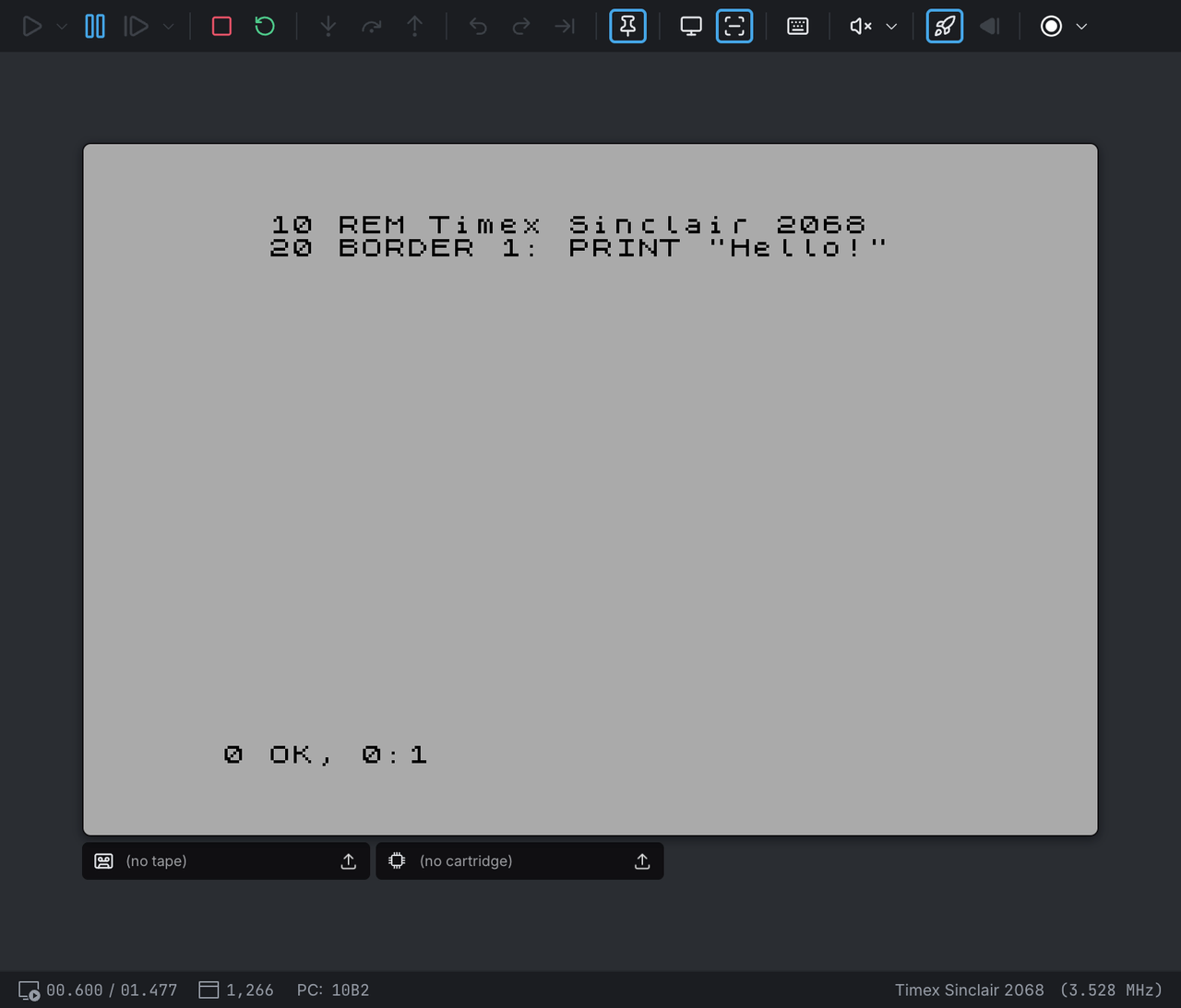
All three run 48K software and add the Timex SCLD’s screen modes, selected through port $FF: a
second screen at $6000, extended colour with one attribute for every 8 × 1 pixels, and a
512 × 192 two-colour mode. The CPU runs at 3.528 MHz; the TS2068 is an NTSC machine with a 60 Hz frame.
Cartridges
Applies to: TC2068, TS2068.
Insert the cartridge
Choose Machine › Cartridge › Insert Cartridge… and pick a .dck file. The machine restarts,
because its ROM looks for a cartridge when it starts.
Check the media strip
The emulator’s media strip shows the cartridge’s file name.
Change Cartridge… swaps it, and Eject Cartridge takes it out; both restart the machine too.
Joysticks
The TC2048 has a built-in Kempston joystick port (Machine › Input › Kempston Joystick); the 2068s have two joysticks read through their AY chip (Machine › Input › Joysticks). Choose what drives each one and set the keys as described in Keyboard, joysticks and mouse.
Sound
The 2068s have an AY-3-8912 chip on ports $F5 and $F6; the PSG panel shows its registers.
The Scorpion ZS-256
Applies to: Scorpion ZS-256.
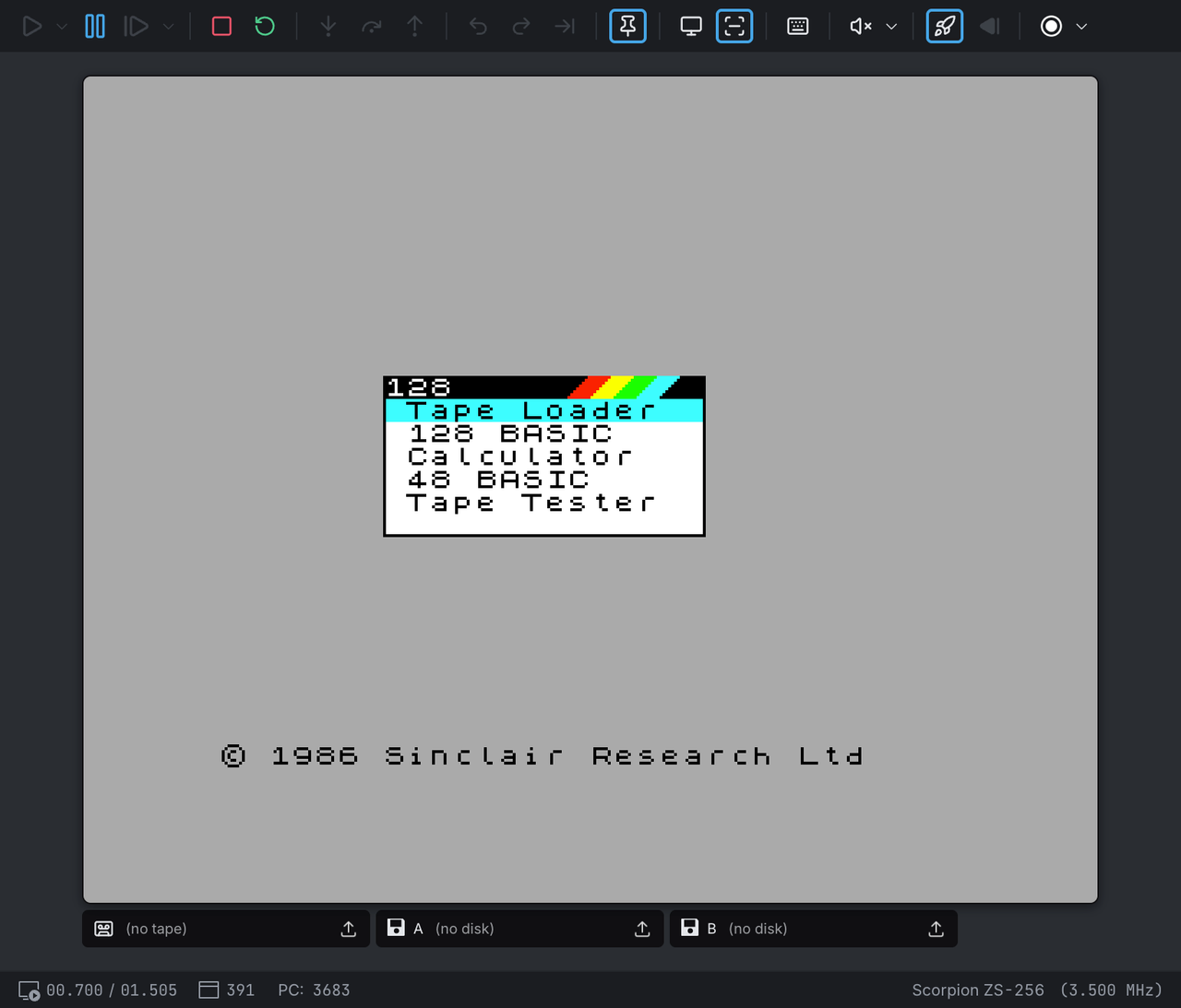
The Scorpion is 128K-compatible, with 256K of RAM in sixteen banks (port $1FFD reaches banks 8–15),
four ROMs (the 128K editor, 48K BASIC, a service monitor and TR-DOS), and no memory contention.
It has the Beta 128 disk interface built in: Machine › Disks inserts .trd and .scl disks into
drives A and B, and Boot Disk in Drive A starts one. See TR-DOS disks,
which works the same on the Scorpion as on the Pentagon 128.
Debugging banked memory
The memory and disassembly views and the breakpoints name each machine’s memory partitions:
| Machine | Partitions |
|---|---|
| TC2068, TS2068 | H0–H7 (the HOME bank’s 8K chunks), D0–D7 (the cartridge), X0–X7 (the EXROM) |
| Scorpion | R0–R3 (the ROMs), B0–B15 (the RAM banks) |
A breakpoint such as B12:$C000 stops only while bank 12 is paged in. See
Breakpoints.
Execution history, reverse debugging, code coverage and the profiler work on both families.
Snapshots and states
.szxand.z80snapshots of these machines open on the right model and keep its screen mode, its chunk map or its sixteen banks. A.snaloses part of them; see ZX Spectrum snapshots.- Machine state files keep everything.
Writing programs
Klive’s project templates include Timex and Scorpion projects: the Klive Z80 assembler, sjasmplus, ZX BASIC (Boriel BASIC), PASTA/80 and z88dk, as on the Spectrum. Code built for the 48K runs on the Timex machines as it is. See Creating projects.
Related
- Machine types: the hardware in detail
- Custom ROMs
- TR-DOS disks
- Choosing a machine