Flash Card example
The first 4 sections are for first-time users, to give them a taste of how easy it is to use the Z88 using the Flash Card.
The last section is to upgrade your copy of OZ.
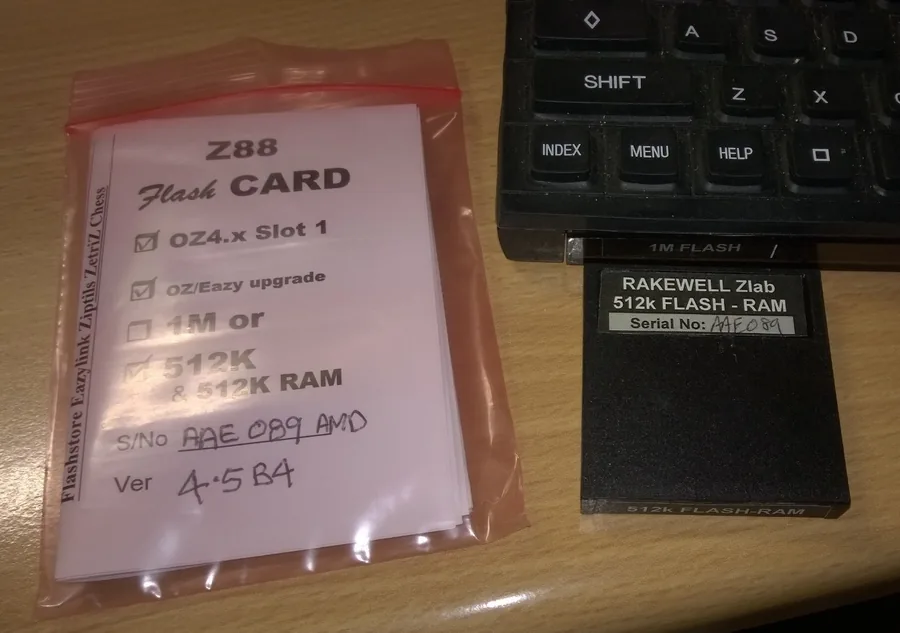
This covers getting and installing a 512K/512K Flash/RAM to the Z88 to getting a HARD RESET…


Get files that are already to use from the Flash Card to RAM so they can be used with other applications.

Load a file into Pipedream using the Filer to select the name. This is an excellent test for the RAM.
Using the ◇KILL menu command

Using one of the additional popdowns that is supplied but is not in the OZ suite of programs.

Update your Flash card to the latest version (October 2014).
Last updated on